Find new files, spot empty folders, and understand large shared drives in minutes — not hours.
Works directly inside Google Sheets. No external server. Your data stays in your Google account.
When a Google Drive grows to thousands of files, navigation becomes a manual investigation process. GDrive To Sheet turns that structure into a searchable spreadsheet view — in seconds.
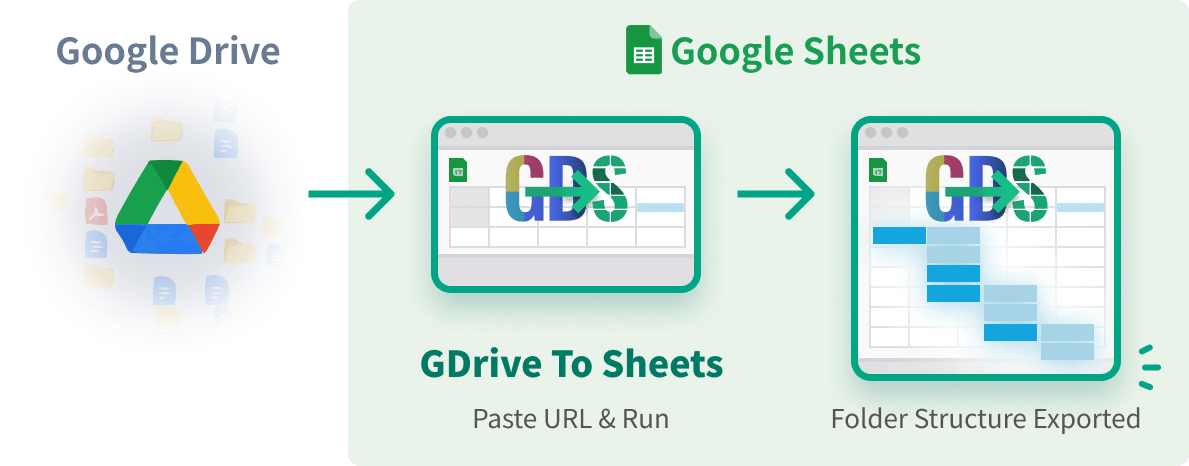
Open the tool inside Google Sheets and paste any Google Drive folder URL — shared drives and My Drive both work.
Click Export Structure. The tool scans folders and files recursively using Google Apps Script — no external server required.
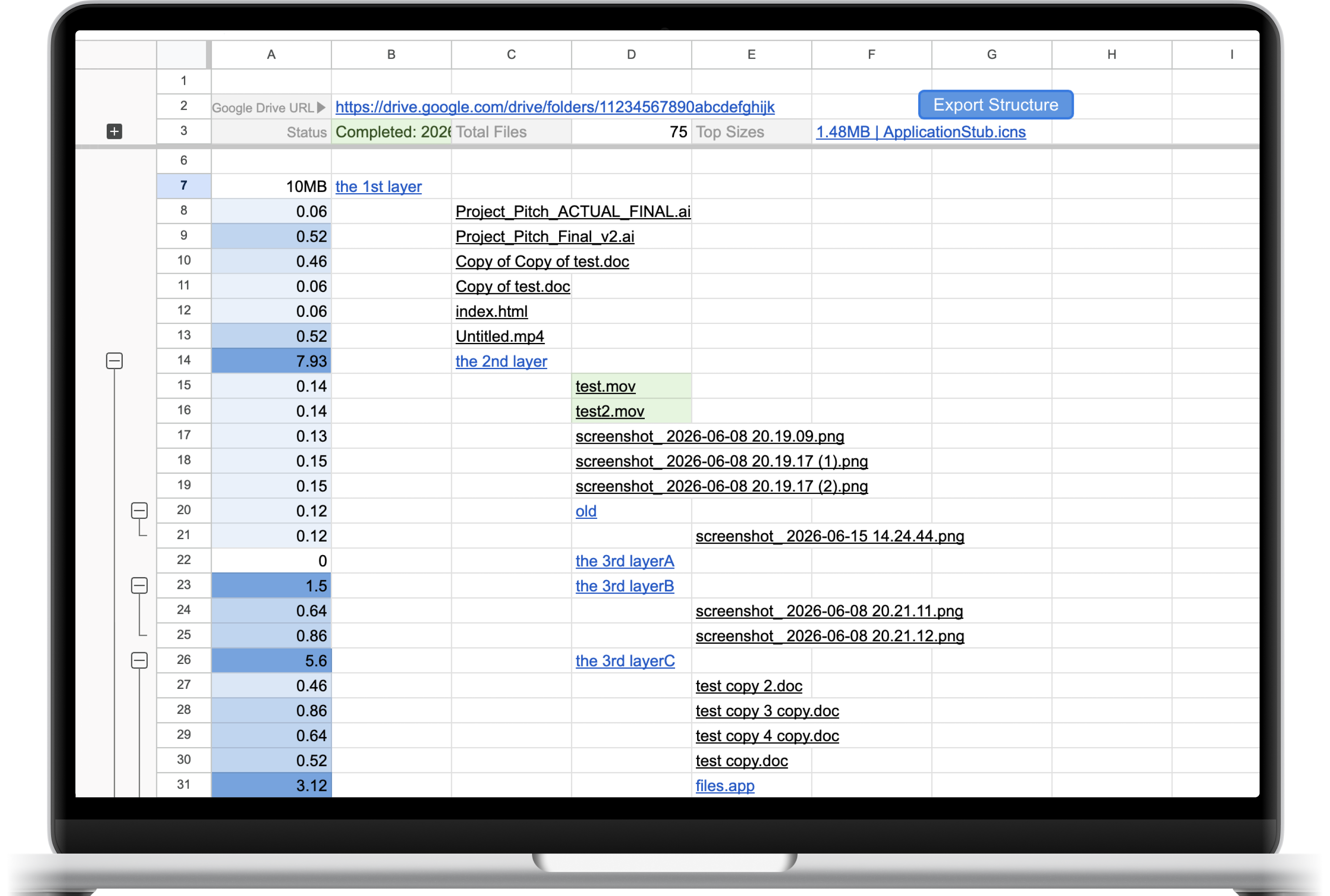
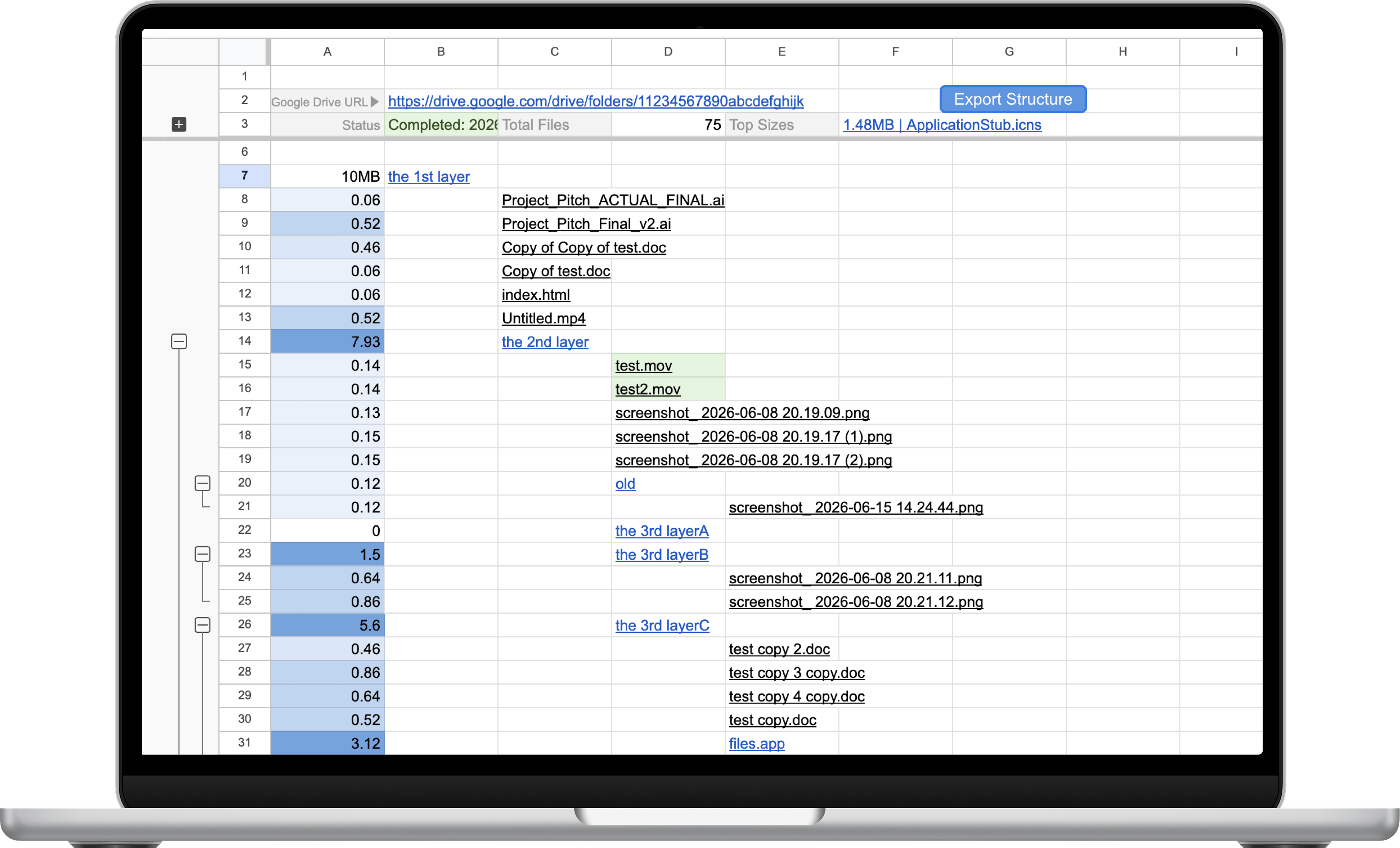
Your full folder tree appears as a spreadsheet: sizes, hierarchy, new files highlighted, empty folders flagged, rows grouped by level.
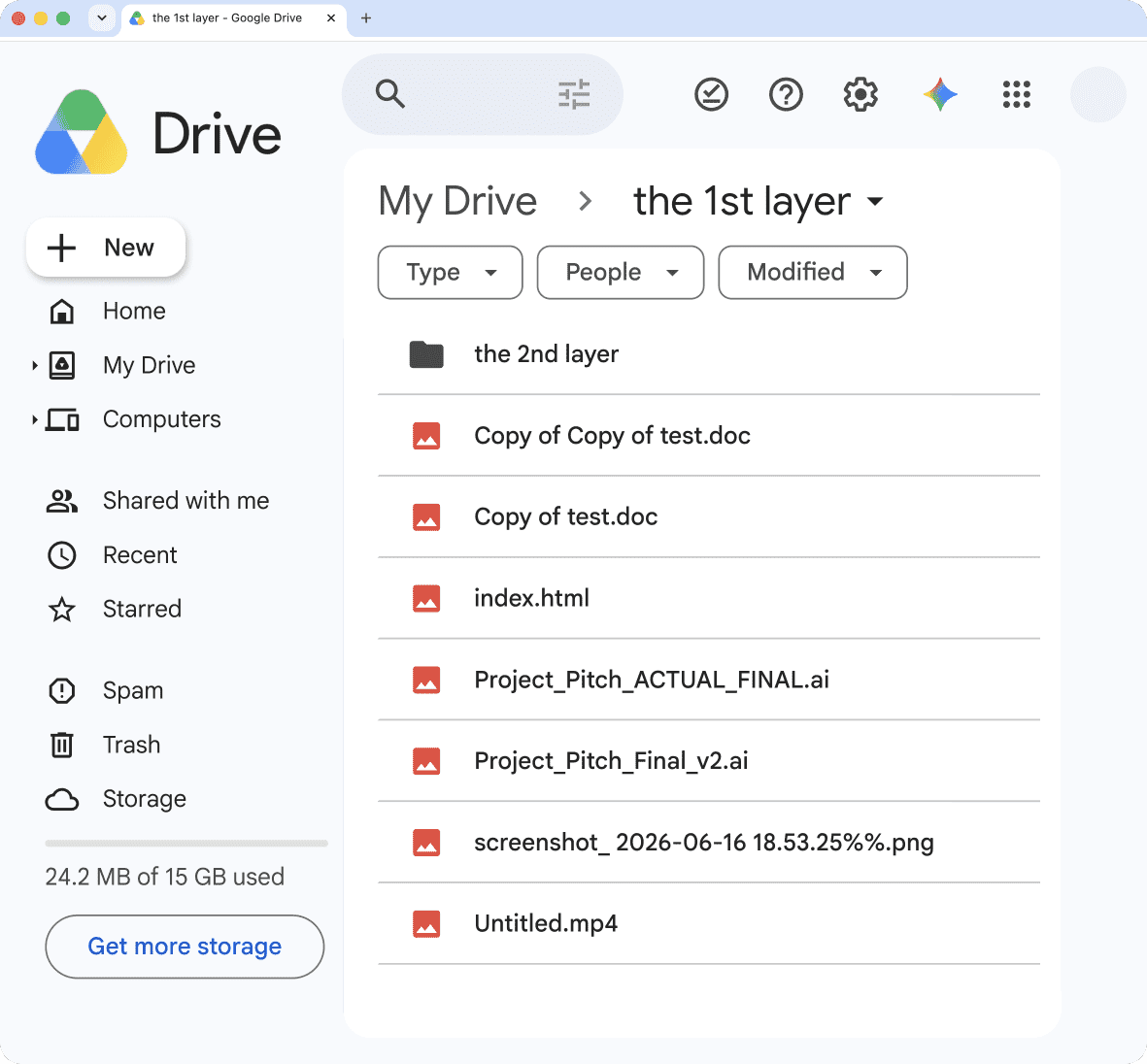
Export folders and files into a structured spreadsheet hierarchy that mirrors your exact Drive structure — level by level.
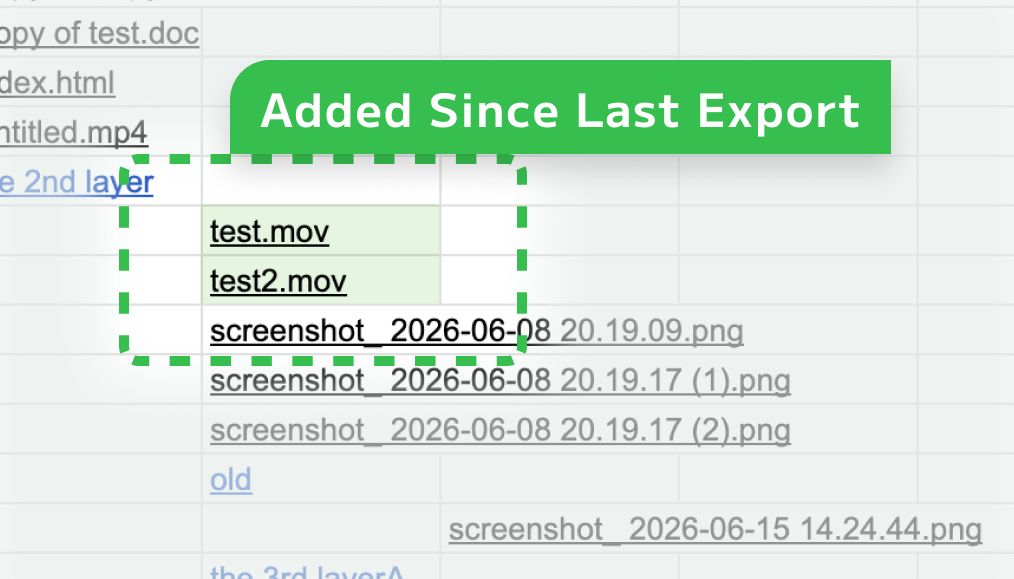
Highlight newly added files and folders compared to a previous export. Instantly see what changed without digging through Drive.
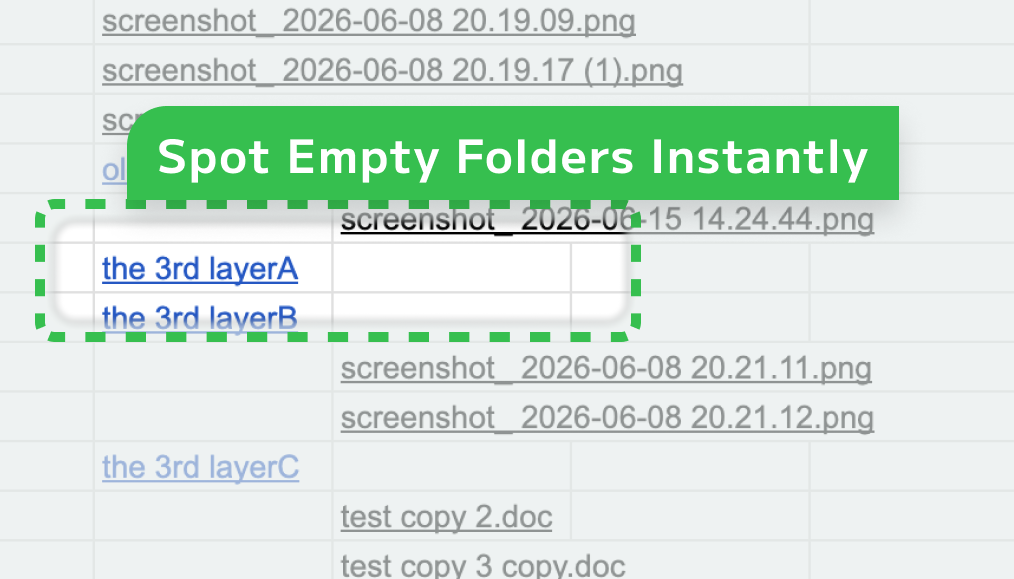
Find empty folders via folder tree exports without manually opening every directory. Surface dead weight before your next handover.
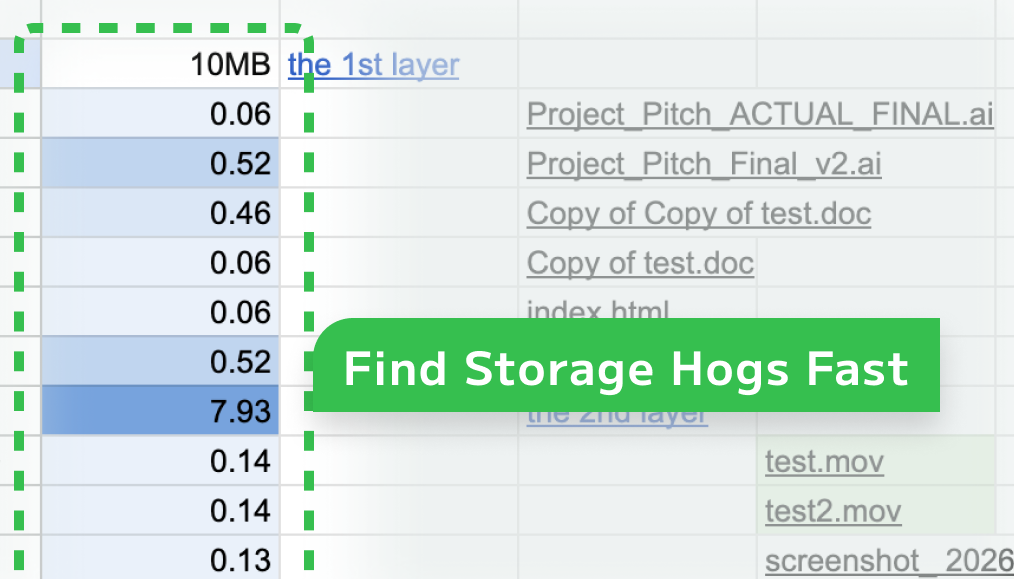
Large folders and files become visually obvious using a blue color gradient. Spot storage hogs at a glance.
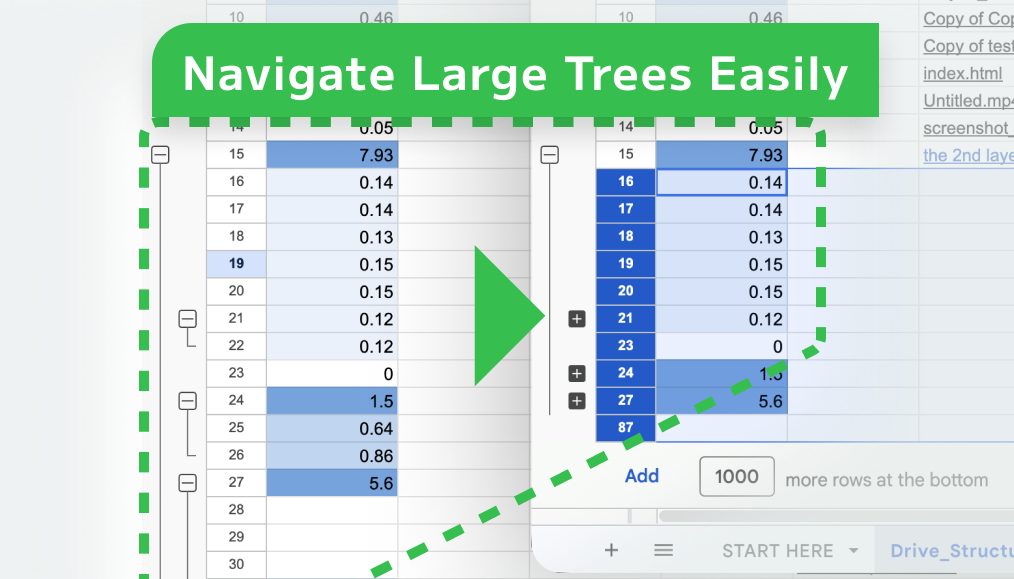
Collapse and expand folder levels directly in Sheets using native row grouping. Navigate thousands of rows without confusion.
Supports very large Google Drive structures using automatic resume processing — no timeout issues even at 50k+ items.
Actual performance may vary depending on your Google account type, Drive structure size, and organization policies.
Try it free with up to 50 items per export.
Upgrade for unlimited exports.
One-time purchase • Lifetime license • No subscription
No. Everything runs inside your Google account using Google Apps Script and Google Sheets. Nothing is hosted externally.
No. No external server is involved. All processing happens within your own Google account.
Yes — if your Google account has the required access permissions and your Google Workspace organization policies allow access.
Yes. You can point it at any folder URL, including the root of your My Drive.
No. This product only supports Google Drive URLs. It is purpose-built for Google Workspace.
No. It works with standard Google accounts. Availability and behavior may vary depending on Google Apps Script limits and Google Workspace organization policies.
GDrive To Sheet is designed around a single principle: your files are yours. No signups, no external servers, no file uploads to anyone.
Understand entire folder structures in minutes — not hours.