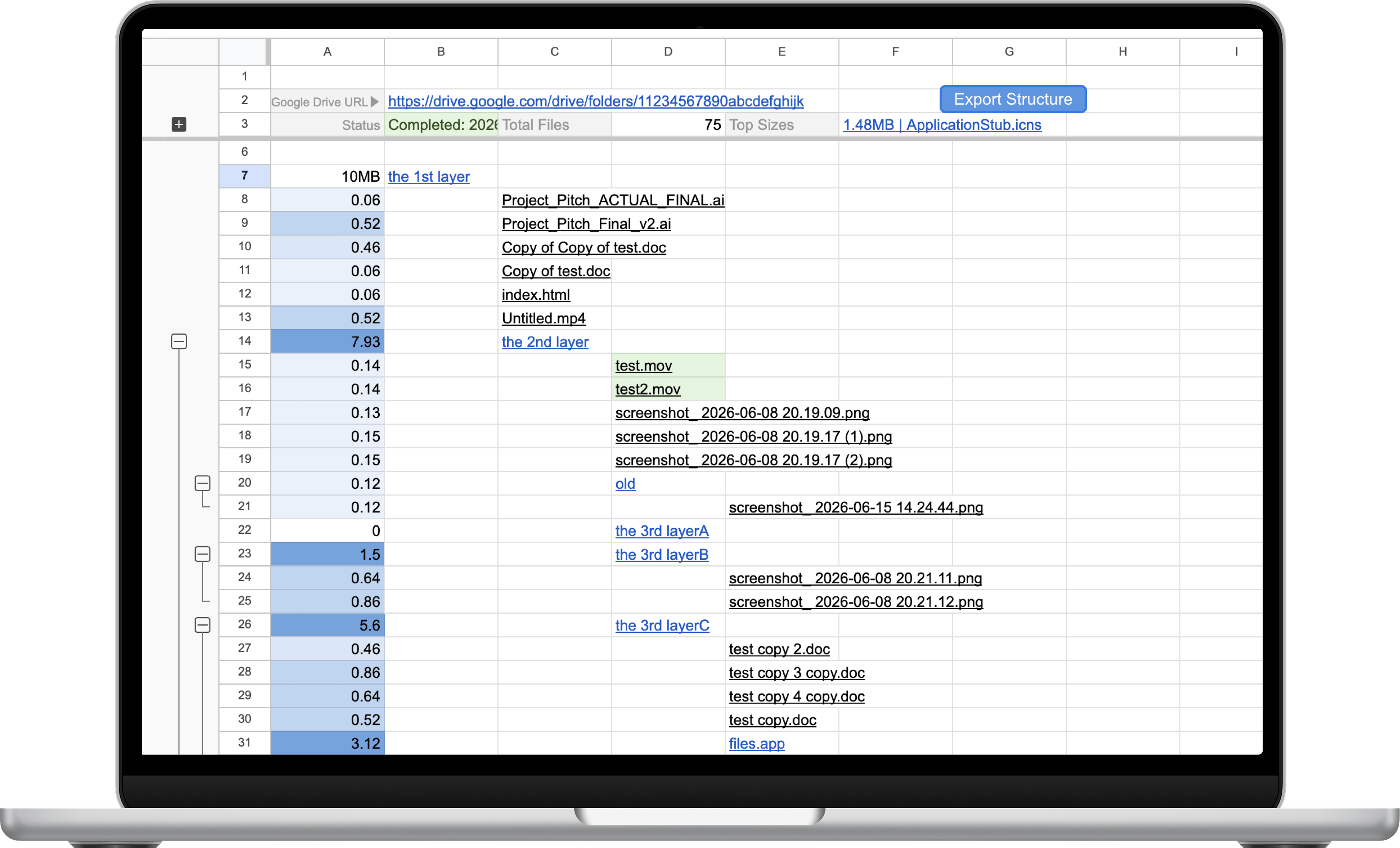
Visualize and export Google Drive folder structures without manual browsing.
GDrive To Sheet runs through Google Apps Script inside Google Sheets.
The Personal Edition removes the limits of the free version while keeping the same simple workflow inside Google Sheets.
Process your entire Google Drive instead of stopping after the trial limit.
Large exports automatically pause and continue without starting over.
Highlight new files, detect empty folders, group data, and visualize storage usage.
Tested with datasets containing more than 50,000 files and folders.
| Feature | Free Version | Personal Edition |
|---|---|---|
| Folder tree export | ||
| New file highlighting | ||
| Size heatmap | ||
| Grouping | ||
| Auto-resume | ||
| Maximum export | 50 items | Unlimited |
Quickly identify empty folders and unnecessary folder structures.
Create a spreadsheet snapshot of any folder hierarchy.
Understand large folder structures before reviews or handovers.
Manage years of accumulated files with a searchable spreadsheet.
The free version is intended for compatibility testing. Personal Edition removes the export limit and includes auto-resume processing for large Google Drive datasets.
Yes. We strongly recommend trying the Free Version first to confirm compatibility with your Google account and environment.
Yes. You can export both My Drive folders and Shared Drives, provided your Google account has access.
Yes. The Personal Edition has been tested with datasets containing more than 50,000 files and folders.
No. GDrive To Sheet runs entirely inside Google Sheets using Google Apps Script. No additional software installation is required.
Yes. All updates released for the Personal Edition are included at no additional cost.
No. Everything runs inside Google Apps Script and Google Sheets. No files are uploaded to external servers.
Unlock unlimited exports and auto-resume support.
Buy Personal Edition β $29